Log in · BuildOs Pro Help
Connect Thumbtack
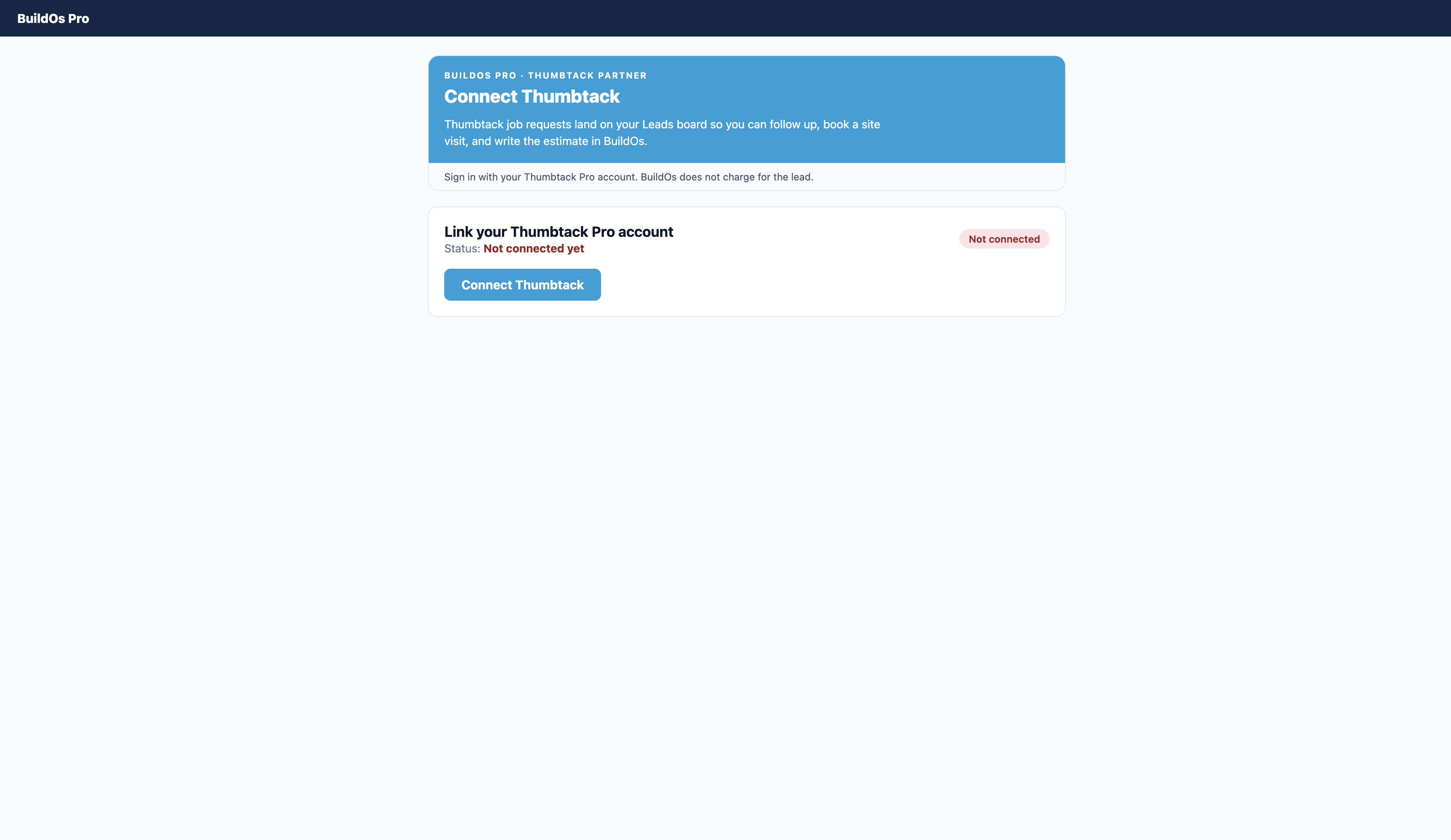
BuildOs Pro is the place remodelers and general contractors run the job. When you connect Thumbtack, new Thumbtack job requests appear on your Leads board so you can follow up, book a site visit, and write the estimate without retyping. BuildOs does not charge for the Thumbtack lead. Thumbtack billing stays on your Thumbtack account.
How to connect
- Log in at https://www.buildospro.com/auth/login
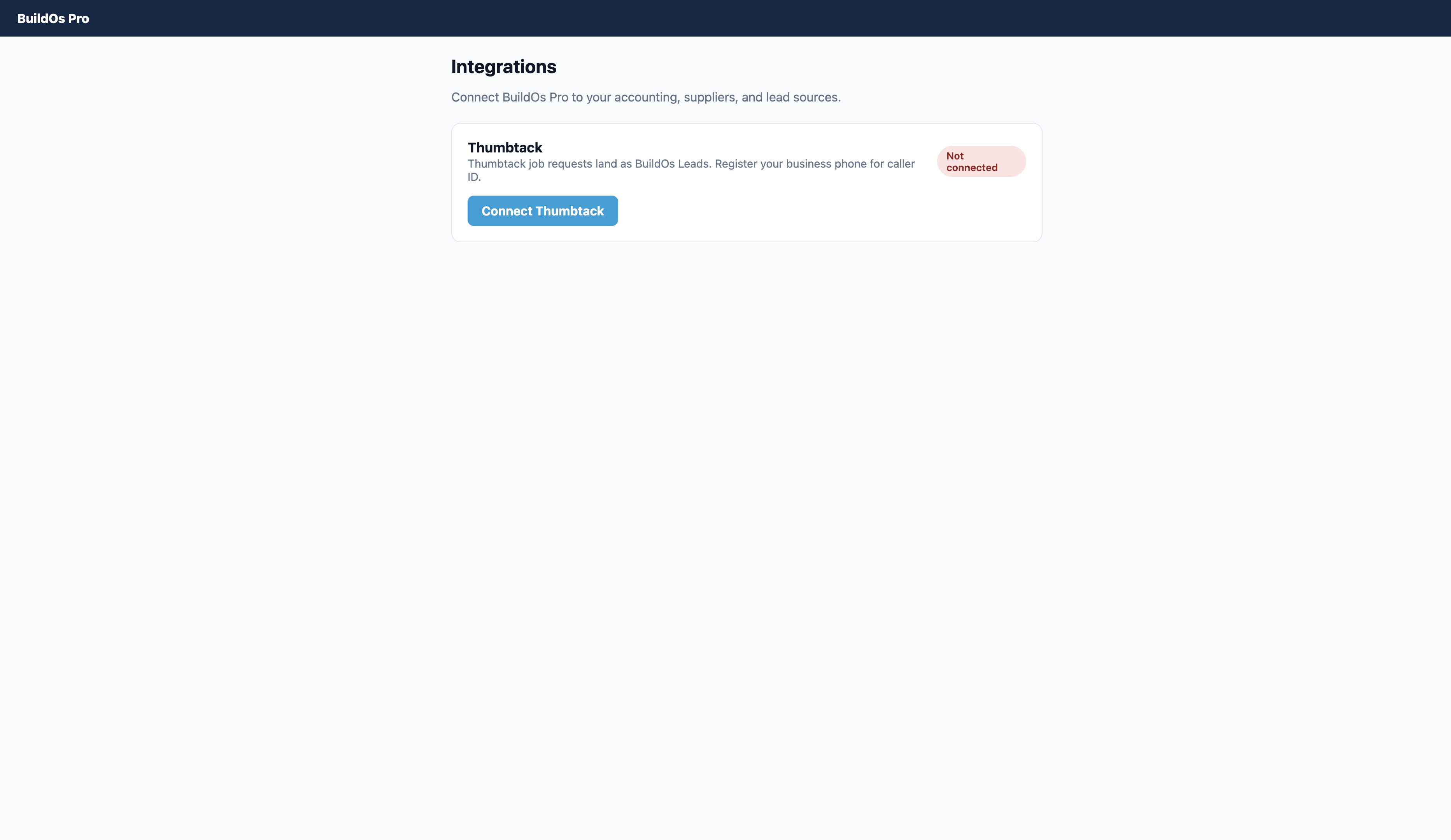
- Open Handoff / Integrations and click the Thumbtack tab (next to ABC).
- Click Connect Thumbtack.
- Sign in with the same Thumbtack Pro email you already use on thumbtack.com (not a staging or +test address) and allow BuildOs.
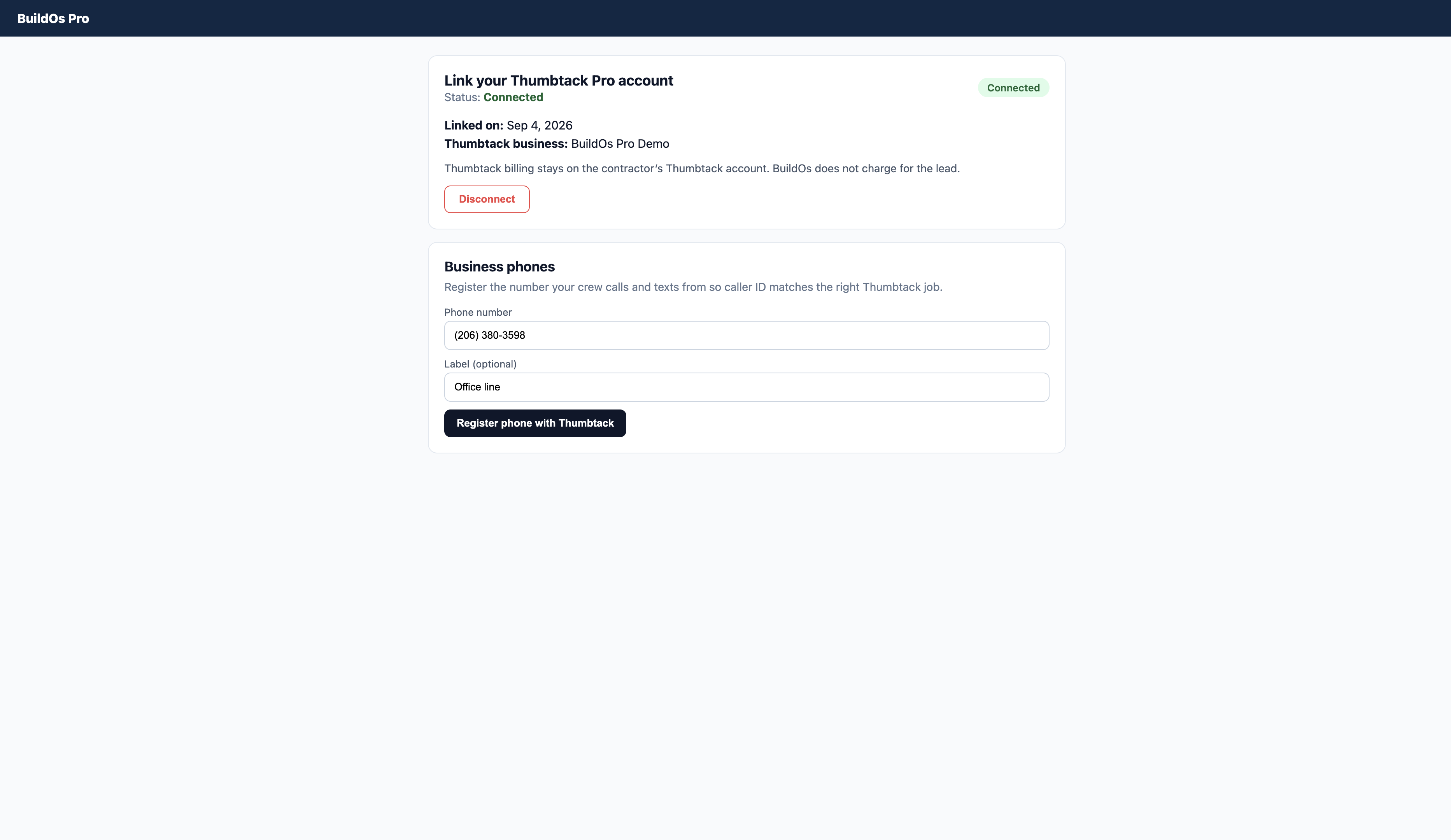
- On the same page, register the business phone your crew calls and texts from.
- When the page says Connected, new Thumbtack jobs land on your Leads board.
Business phone
Thumbtack needs the number you call from so caller ID matches the right job. This is your office or cell — not a list of homeowner numbers.
What comes over from Thumbtack
- Customer name, phone, and email (when Thumbtack sends them)
- Service category and project notes
- City, state, zip, and street (when present)
- Thumbtack lead ID
BuildOs sends back your registered business phone and its label.
How to disconnect
- Handoff / Integrations → Thumbtack.
- Click Disconnect and confirm.
New Thumbtack jobs stop landing in BuildOs. Existing leads and jobs stay. Nothing is deleted. Your Thumbtack account and billing are unchanged.
If something looks wrong
- “Email or password was incorrect” — you are on live thumbtack.com. Use the Pro login you already use there. A staging or +test address will not work.
- Connect sends you back without Connected — try Connect again and allow access on the Thumbtack screen.
- Jobs not appearing — confirm the page says Connected and you signed in with the same Thumbtack Pro account that receives the jobs.
- Calls not matching — register the exact number you call from.
Support
Email info@buildospro.com · Phone 206-380-3598